
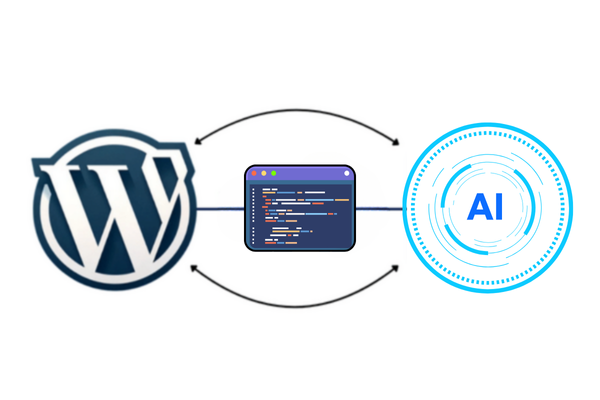
In this guide, I’ll show you how to improve your WordPress site by integrating it with the top three LLM providers’ models: OpenAI’s GPT, Google’s Gemini, and Anthropic’s Claude.

The best part? You don’t need advanced coding skills to make this happen.
All you need to do is follow this guide step by step, and you’ll be able to build your own AI tools by the end of this tutorial.
What We’re Building
We’ll create custom WordPress endpoints that connect directly to these AI services. You’ll get:
- Six custom API endpoints: three providers, each with two output formats (plain text and JSON)
- A working frontend tool: letting visitors generate AI-powered text from your site
- A clean and extendable codebase: perfect for adding more functionality later
Step 1: Install the Code Snippets Plugin
Before we dive into the code, let’s set up the Code Snippets plugin. This will allow us to add functions to WordPress without directly editing theme files, which is so much easier.